

Design Services
Creating a memorable business card is still crucial in 2025 , even in our digital age, that little rectangle is often a prospect’s first impression of your brand. As a designer at Eco2Office, a professional print shop in Katy, Texas, I’ve seen firsthand how the right card can spark conversations at networking events, local trade shows, and business mixers. In this guide, I’ll walk you through proven business card design tips, industry trends, and practical answers to frequently asked questions to help you stand out with a professional business card.
Why Business Card Design Still Matters in 2025
Even though digital connections are just a tap away, physical business cards remain one of the most impactful marketing tools for face-to-face interactions. Your card serves as a tangible, portable brand impression , one that can either get tossed aside or become a lasting conversation starter.
At Eco2Office, we frequently hear from clients how a sharp, high-quality business card helped them close a deal, make a great first impression, or stand out at a crowded vendor fair. The truth is, people still respect the professional polish of a well-made card , especially here in Katy, where small businesses thrive on personal relationships and referrals.
Essential Business Card Design Tips
1. Prioritize Readability and Simplicity
Don’t cram too much info onto your card. Stick to essentials:
- Full name
- Job title
- Company name
- Phone number
- Email address
- Website or social handle
- Logo
We often see DIY cards fail because the fonts are too small or the layout feels busy. Use a minimum font size of 8pt and opt for clean, professional fonts. Avoid script fonts unless you’re going for a very specific look (and even then, test for legibility).
2. Stick to Brand Colors and Consistent Visuals
Your business card should match your overall branding , colors, logo, and font styles. This builds recognition and trust. For instance, if your signage, website, and brochures use a navy-and-gold color scheme, your cards should too.
We once worked with a local realtor who used three different versions of their logo across various marketing materials. We helped them settle on one cohesive look, and their business cards became part of a consistent, polished presence.
3. Choose Quality Materials
One of the easiest ways to elevate your card is through paper quality. We typically recommend:
- 16pt or 18pt cardstock for a premium feel
- Matte or silk finishes for a smooth touch
- Glossy finishes if you want vibrant colors to pop
At Eco2Office, clients often pick up a sample pack before deciding. Once they feel the difference between a flimsy template card and a thick, premium stock, the decision is easy.
4. Use Professional Printing (Not Home Printers)
Designing a beautiful card in Word or Canva is a great start, but professional printing makes the difference. We calibrate color, trim to exact dimensions, and offer finishes like raised spot UV or foil that you simply can’t replicate at home.
One Katy bakery came to us after printing cards at home. Their pastel brand colors looked faded and inconsistent. We color-matched the palette and printed on thick soft-touch stock , now their cards reflect the quality of their cupcakes.
5. Incorporate Special Finishes
Premium finishes are more affordable than ever and can truly elevate your card:
- Raised Spot UV: Glossy and slightly elevated coating applied to specific parts (like your logo or name)
- Foil Stamping: Adds metallic elements for luxury appeal
- Embossing: Raised text or logos for tactile interest
- Soft-Touch Lamination: Velvet-like finish
These features add dimension and sophistication. One of our most complimented designs was a deep blue card with silver foil text and raised UV over the logo , simple, but unforgettable.
6. Play with Shape and Size
Standard cards are 3.5″ x 2″, but you can play with dimensions:
- Rounded corners
- Square cards
- Mini cards
- Custom die-cut shapes (think house-shaped cards for realtors)
If you want to stand out, we can help you explore creative formats that still fit in wallets or cardholders.
7. Add a QR Code for Instant Access
Bridge the physical and digital worlds with a QR code that links to your site, portfolio, booking page, or digital business card. Place it on the back for clean front-side design. At Eco2Office, we ensure your QR code scans cleanly at small sizes and matches your design.
How to Design Raised Spot UV Business Cards
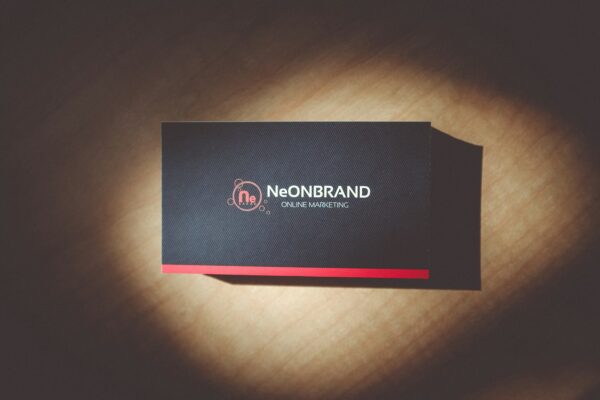
Raised Spot UV is a finish that applies a glossy, raised effect to specific areas of your card. Here’s how to use it effectively:
- Use it sparingly: Apply it to your logo, company name, or tagline to draw attention
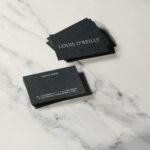
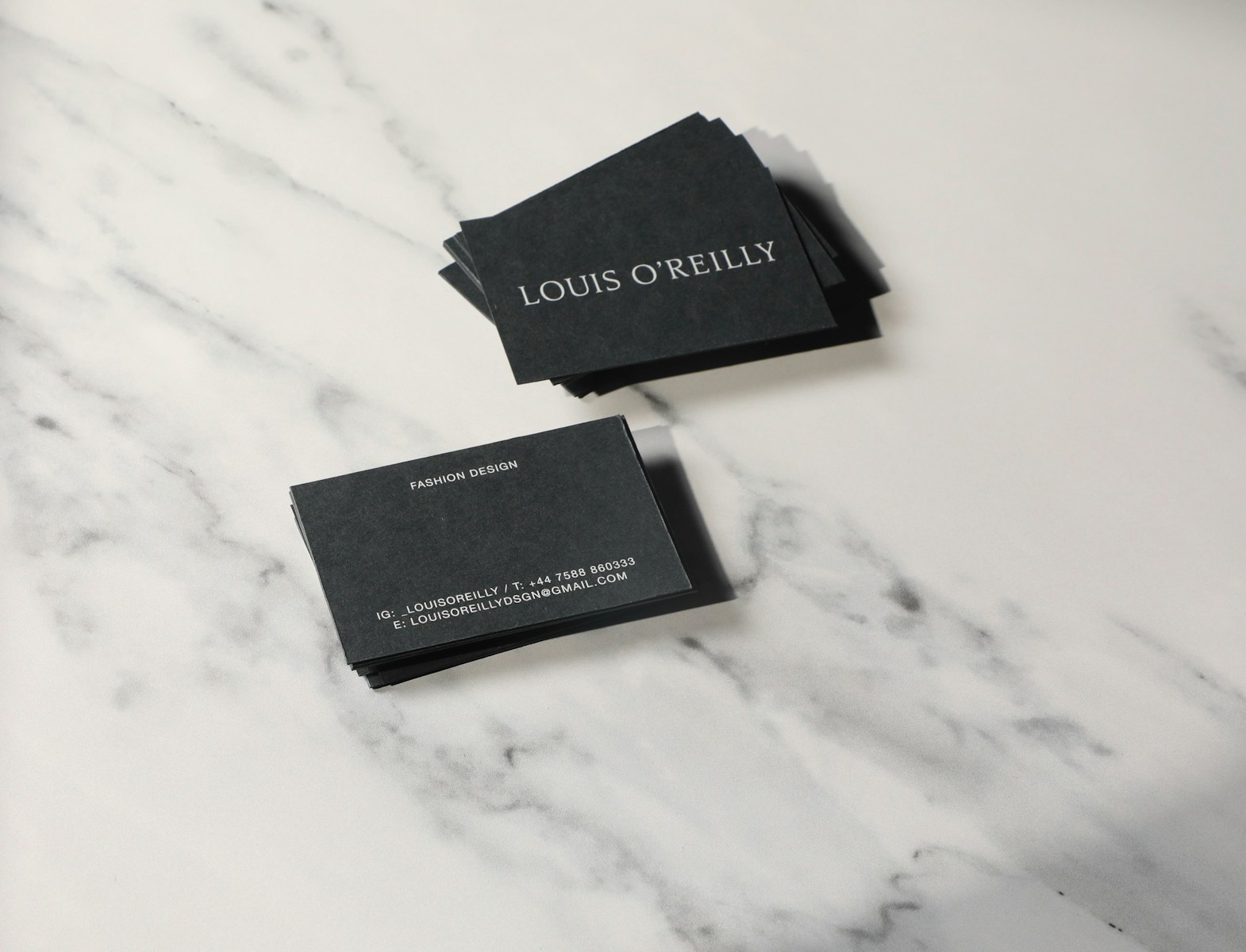
- Contrast is key: Raised spot UV shines best on matte cards with darker backgrounds
- Align with brand: Keep it subtle for luxury or professional brands, bold for creative industries
We recently created cards for a Katy-based luxury salon with a matte black background and raised UV on their gold logo. Clients still comment on how sleek and high-end it feels.
How to Design Your Own Business Cards
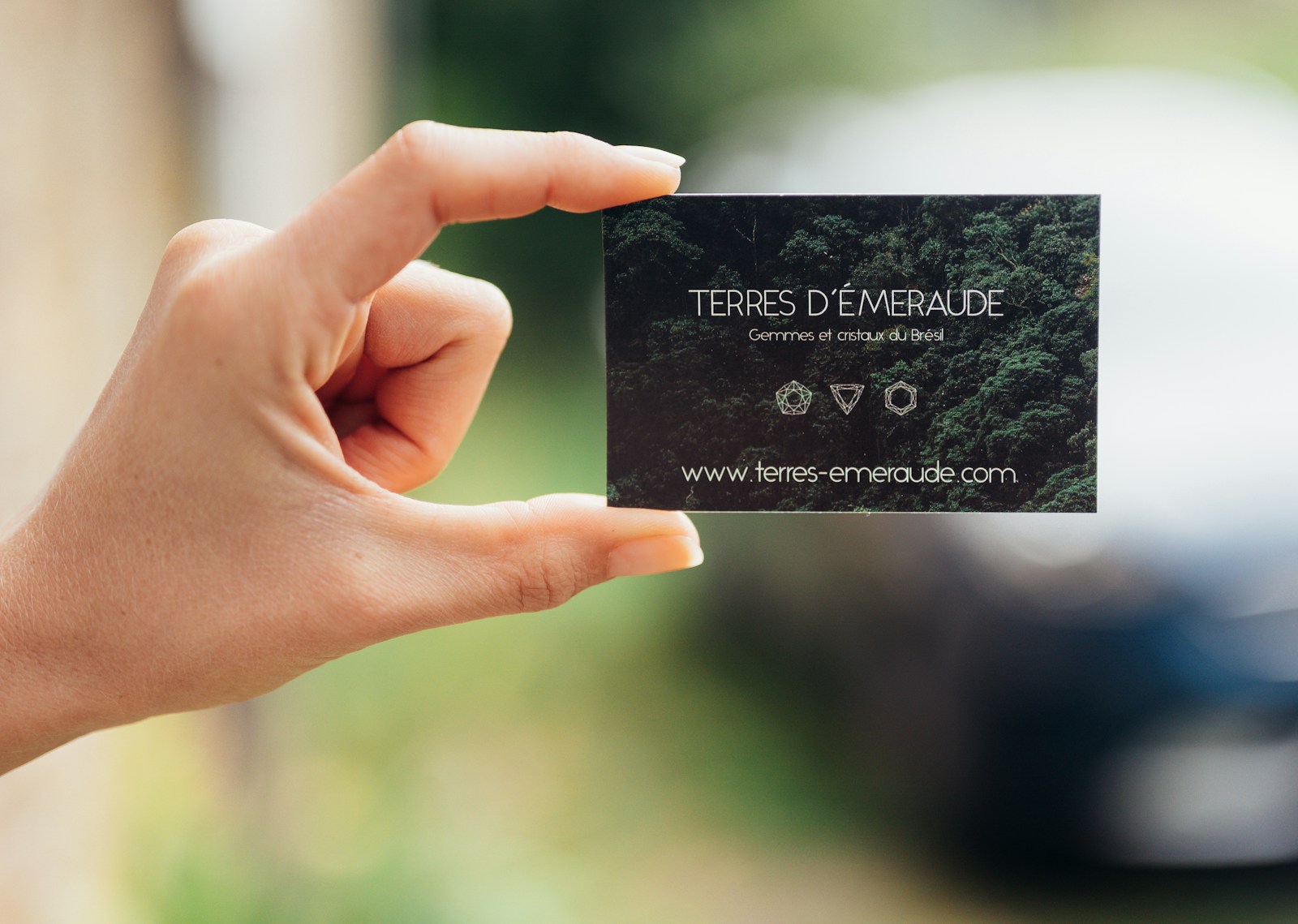
Not ready to hire a designer? No problem. Here’s how to design your own business card:
- Choose a platform: Canva, Adobe Express, or Microsoft Word (yes, you can do it in Word)
- Set the right size: 3.5” x 2” with 0.125” bleed margin on all sides
- Add guides or a grid: Helps keep your elements aligned and centered
- Insert high-res logo: Make sure it’s at least 300 dpi to avoid blur
- Keep spacing clean: Leave white space so your content breathes
- Include a back side: Add a QR code, social links, or a tagline
- Export as PDF: Send us your file, and we’ll make it print-ready
Pro Tip: If you’re designing in Word, use a single cell table set to 3.5″ x 2″ with no margins. Use “Insert Picture” for logos and “Text Box” for better layout control.
We’ve had many Katy clients come in with designs they started in Word or Canva. We simply adjust bleeds, check alignment, and send them to print. The result? Professional cards from a personal vision.
Business Card Ideas for 2025
Want to explore fresh business card ideas? Here are some creative directions gaining popularity:
- Oversized typography: Big, bold names or initials across the front
- Colorful painted edges: A pop of color visible from the side
- Minimal back designs: Clean front, full-bleed pattern or quote on back
- Industry icons: Add a small symbol related to your field (e.g. camera for photographers)
- Full-photo cards: Use a striking image as the backdrop
Each business is unique, and your card should reflect that. Whether you’re a personal trainer, attorney, baker, or event planner, we can help bring your card concept to life.
Local Design Matters in Katy, Texas
Here in Katy, TX, we know that business is built on relationships. From Chamber of Commerce events to coffee shop meetups, your card may be your first handshake. That’s why Eco2Office is proud to support local business owners with fast turnaround, custom design help, and print perfection. We’re not just an online printer , we’re your neighbor, and we want your business to grow.
Final Thoughts
A business card isn’t just a piece of paper , it’s a conversation starter, a trust-builder, and a brand statement. Make yours count. Focus on clarity, consistency, and quality. Lean into your personality. And most importantly, print it professionally.
Get Custom Business Cards Designed Today
If you’re in Katy or the surrounding area and ready to impress, stop by Eco2Office or contact us online. Whether you need raised spot UV, foil, or a creative die-cut, we’ll make sure your card is unforgettable.
Let’s design something amazing together.